
The Challenge: Moving Beyond Rote Memorization
Most Project Management training fails because it treats priority-setting as a static list rather than a dynamic skill. For Project Triage, the goal wasn't just to help new managers "remember" 15 priorities; it was to train their brains to rank those priorities instantly when faced with a limited subset of information.
The project faced three primary hurdles:
The "Context" Problem: In a real-world scenario, you rarely choose from a full list of options. You have to decide which of the five fires currently burning on your desk to choose.
The Engagement Wall: Traditional "read and repeat" modules lead to low retention. I needed a way to make the drill feel like a high-stakes "triage" situation without overwhelming the learner.
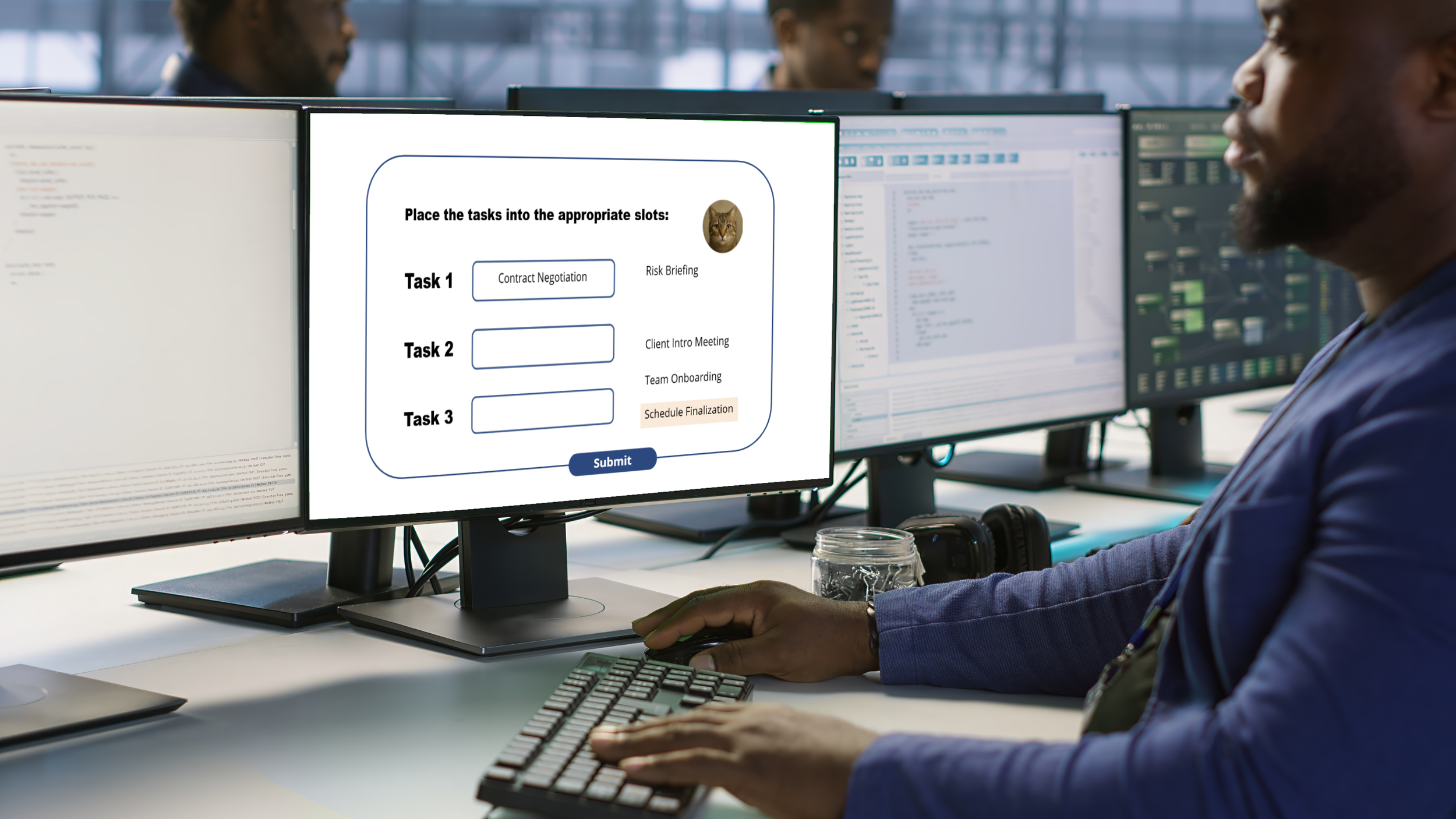
The Accessibility Paradox: "Drag and drop" interactions are the gold standard for tactile learning, but they are notoriously difficult to make 508 compliant. I needed to build a system that felt like a game for all users, regardless of how they navigate the screen.
The Solution: A JavaScript-Powered "Triage" Simulation
To move learners from passive reading to active decision-making, I developed Project Triage, a high-repetition, gamified drill. The goal was to move beyond Storyline’s built-in quiz features and create a truly dynamic experience that forced learners to synthesize information under a time constraint.
Key Features of the Design:
The 30-Second Sprint: I implemented a "Memorization Phase" that limits the learner to 30 seconds. This creates a focused cognitive load, signaling to the brain that this information is high-priority.
Custom JavaScript Randomization: To solve the "15-to-5" selection problem, I bypassed Storyline’s standard shuffling. I wrote a JavaScript execution trigger that pulls five unique, non-repeating priorities from a pool of 15. This ensured that every "reset" provided a mathematically fresh challenge.
Dual-Input Accessibility (508 Compliant): I built a hybrid interaction that satisfies both tactile and accessible needs. Learners can use Drag and Drop for a game-like feel, or a Point-and-Click/Keyboard method that remains fully screen-reader compatible.
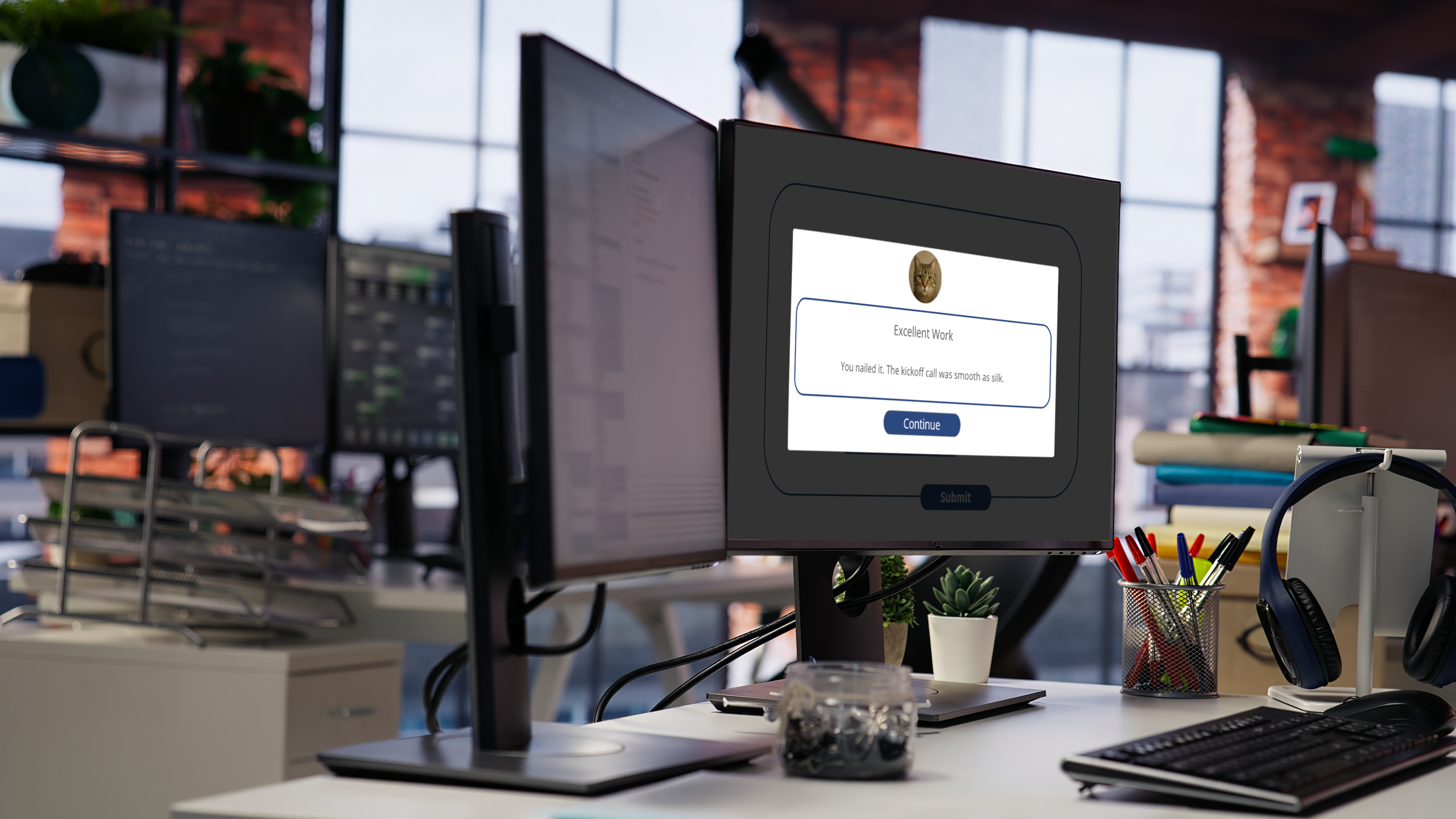
Dynamic Feedback States: I designed a responsive feedback layer that triggers immediately after a choice. This provides three distinct states:
Correct: Validating the priority ranking.
Incorrect: Correcting the mental model immediately.
Incomplete: Prompting the user to finish the task (preventing "guessing" fatigue).
Why JavaScript?
Storyline’s native triggers can get bulky when handling complex randomization. By using a custom script, I was able to:
Ensure no priority appeared twice in the same round.
Communicate seamlessly between the script and Storyline Variables to update the UI in real-time.
Keep the project file "lean" and easier to maintain.
Designer's Note: The "Reset" button was a critical addition. By allowing users to refresh the five random priorities instantly via the JS engine, I turned a one-time quiz into a "practice playground" where learners control their own mastery.
Random Chance & Replayability: Breaking the Pattern
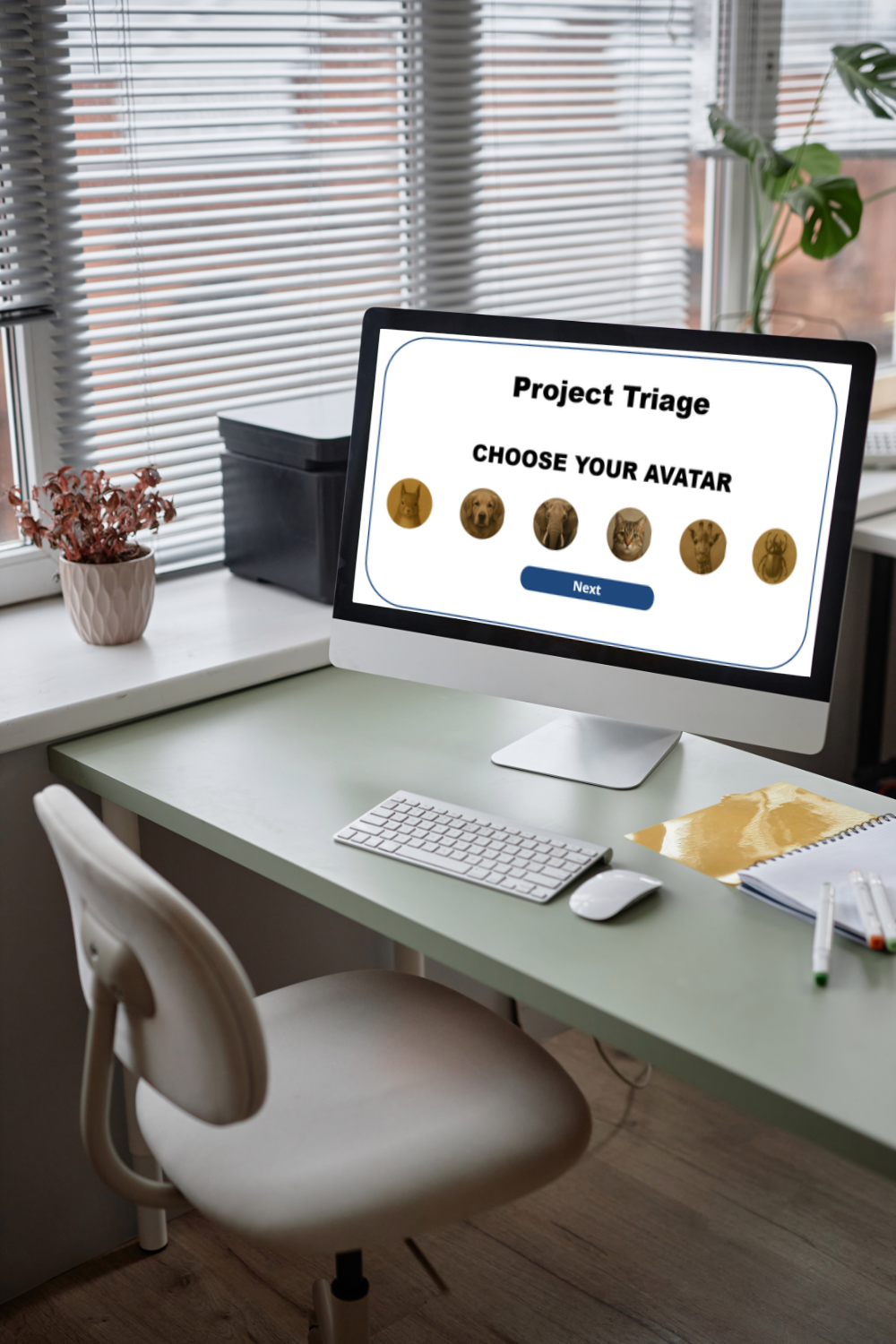
A common flaw in digital learning is the "Memory Trap", where learners memorize the location of a button or the sequence of a quiz rather than the actual content. To combat this, I built a system where no two playthroughs are the same.
The JavaScript Engine
By using a custom JavaScript array shuffler, I ensured that the five priorities presented were drawn from the pool of 15 without repetition. This created more possibilities.
The Math: Drawing 5 items from a pool of 15 creates 3,003 unique possible combinations. This means a learner could play the game dozens of times and never see the same "hand" twice.
Strategic Resetting
I included a "Reset" button that re-runs the JavaScript trigger instantly. This serves two purposes:
Low-Stakes Failure: If a learner feels overwhelmed, they can "mulligan" the hand and try a different set.
Voluntary Mastery: Enthusiastic learners often hit "Reset" multiple times to see if they can handle the "Hard" priorities (the ones that are alphabetically or conceptually similar).
Why Randomness Matters for PMs
Project management is rarely about knowing the "perfect" list; it’s about choosing between the specific variables in front of you. By introducing random chance, I forced the learner to:
Evaluate Relative Value: "Is Priority A more important than Priority B in this specific set?"
Avoid Rote Memorization: They can't just remember "1, 2, 3"; they actually have to know the hierarchy of the organization's goals.
Technical Breakdown for the Curious
Input: A Storyline array of 15 strings.
Process: JS selects 5 unique indices, shuffles them, and pushes them back to Storyline variables.
Output: Dynamic text boxes on the screen update instantly without a timeline refresh.
Why It Works: Science Over Software
While the JavaScript and Storyline triggers are the engine, the "Why" is rooted in instructional design theory; this project works because it moves the learner from Passive Recognition to Active Synthesis.
1. The Power of "Desirable Difficulty."
By limiting the memorization phase to 30 seconds, I introduced a level of "Desirable Difficulty." This forces the brain to work harder to encode the information. When the brain has to "struggle" slightly to recall the hierarchy during the triage phase, the neural pathways for that information become significantly stronger.
2. Contextual Decision Making
In a standard quiz, a learner might see "Priority #1" and "Priority #15" and easily pick the right one because the gap is huge.
The Twist: My randomization engine might present Priorities #4, #5, #6, #8, and #9.
The Result: The learner has to make nuanced distinctions. They can’t rely on "the obvious answer." They have to truly understand the organizational value of each item to rank them correctly.
3. Immediate Feedback Loops
The "Triage Result" layer doesn't just tell them they are wrong; it forces a moment of reflection.
Because the feedback is instant, the "corrective" information is delivered while the logic they used to make the choice is still fresh in their minds.
This prevents the "guess-and-forget" habit common in longer assessments.
4. Accessibility as a Feature, Not a Chore
By ensuring the game was 508 compliant, I didn't just check a legal box; I expanded the "Why."
A learner using a screen reader or keyboard navigation experiences the same "pressure" and "logic test" as a mouse-user.
Good design is universal, and by making the logic work via point-and-click and drag-and-drop, the learning outcome remains consistent for every single employee.
The Takeaway: Project Triage works because it simulates the job’s stress within the safety of a sandbox.
My Role: Full-Stack Instructional Development
As the sole creator of Project Triage, I was responsible for every phase, from the initial pedagogical concept to the final line of custom code. Managing the project end-to-end kept the learning objectives aligned with the technical execution.
My contributions included:
Instructional Design: I conceptualized the "Triage" gamification strategy, moving away from a standard multiple-choice format to a high-repetition, cognitive-load-based simulation.
Systems Architecture: I designed the underlying logic in Articulate Storyline 360, managing complex triggers and variables to create a seamless user interface.
Custom Development: I wrote and integrated JavaScript to handle the randomization engine, ensuring the game pulled a unique, non-repeating set of priorities for every attempt.
Accessibility Engineering: I manually built the 508-compliant "Point-and-Click" alternative to the Drag-and-Drop interaction. This included managing custom focus orders and state changes to ensure parity of experience for screen reader users.
UX/UI Design: I designed the visual layout and feedback layers to mimic a high-stakes dashboard, using timing and visual cues to heighten the "pressure" of the learning experience.
The Big Picture
I took full ownership of the project and resolved the "Storyline vs. Accessibility" conflict by establishing my own rules. The result is a lean, highly interactive, and fully inclusive learning tool that proves technical constraints shouldn't limit creative instructional design.